
Intuitive and fast, the ArtPlacer Widget allows your visitors to visualize how artworks look on walls as soon as they arrive to your website!
Why ArtPlacer?
ArtPlacer allows you to show the relative scale of artworks in relation to other objects or humans, and how the pieces work together, on a wall. Using ArtPlacer you can create three types of Widget buttons: Client Room, Sample Room and Augmented Reality.
• The ArtPlacer Client Room Widget shows how an artwork will come together in a space. It helps collectors to visualize exactly what the original artwork would look like in their actual room.
• The ArtPlacer AR Widget superimposes artworks on surrounding walls in real time. This mobile feature is functional in iOS and Android devices and connects with the ArtPlacer Mobile App.
• The ArtPlacer Sample Room Widget helps to visualize artworks outside the gallery or studio environment and out into the world. Choose from a variety of over 800 pre-set spaces to showcase your art at scale!
Requirements
ArtPlacer integrates seamlessly with your WooCommerce catalog so you need to have this plugin installed to run dynamic integrations in a snap. If you don’t have WooCommerce, you can use the [artplacer] shortcode instead.
Download & install the zip archive
The plugin package installer can be downloaded from the WP2E project tab called “code”.
1 – Select the version to download if this option is available otherwise the “latest” version of the main plugin will be used.
2 – After downloading the zip archive install the plugin package installer in you local environment and activate the script from the plugin list.
3 – Under the section “Plugins” of the admin dashboard you should see a new “Dependencies & Licenses” link. Follow the instructions from this panel to finalize the installation of the missing dependencies.
-
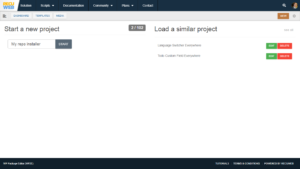
- Give a name to your project

-

- Download the Installer Package

-

- Install & activate the plugin locally

-

- Install the suggested dependencies
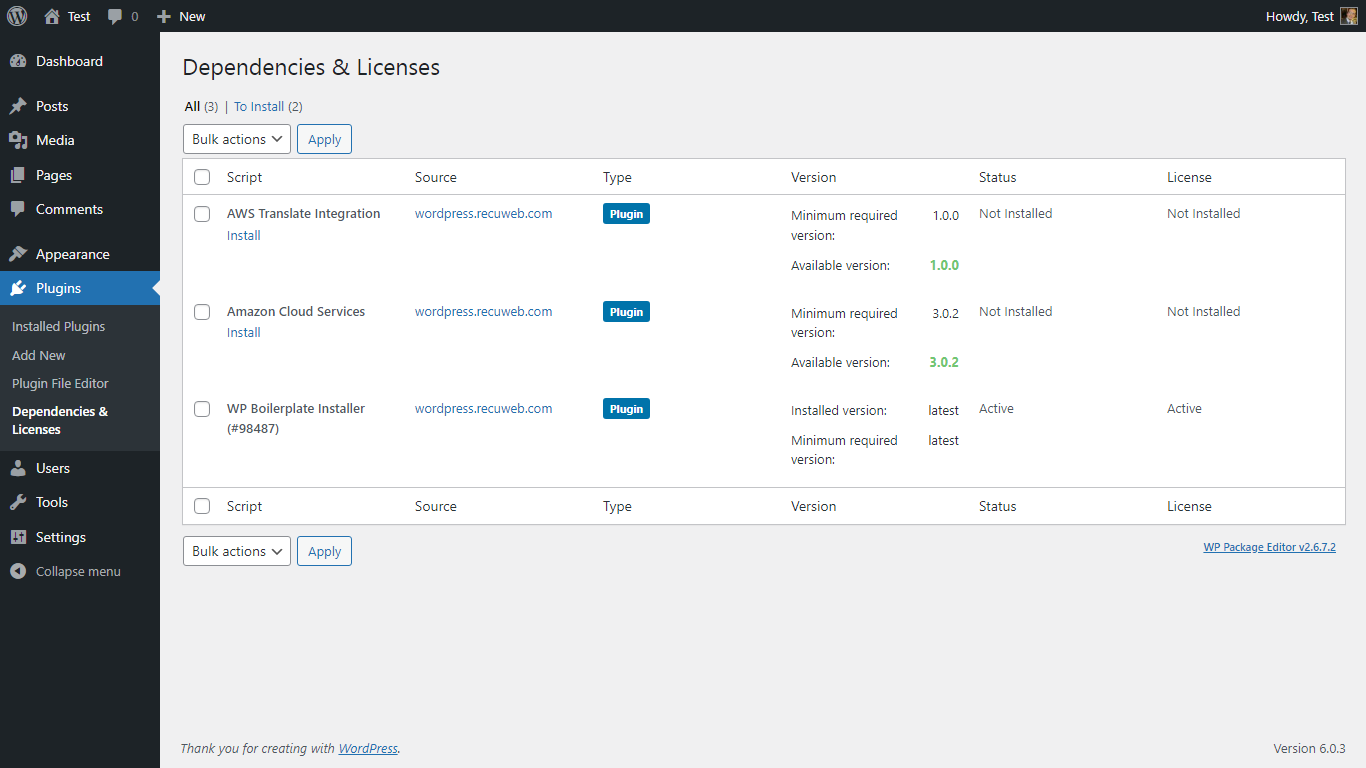
Tips: Use the WP2E panel to add/suggest new dependencies to the local installation. Press F5 in the list of dependencies if the changes are not displayed right away.